Workshop Layout Planning Grid
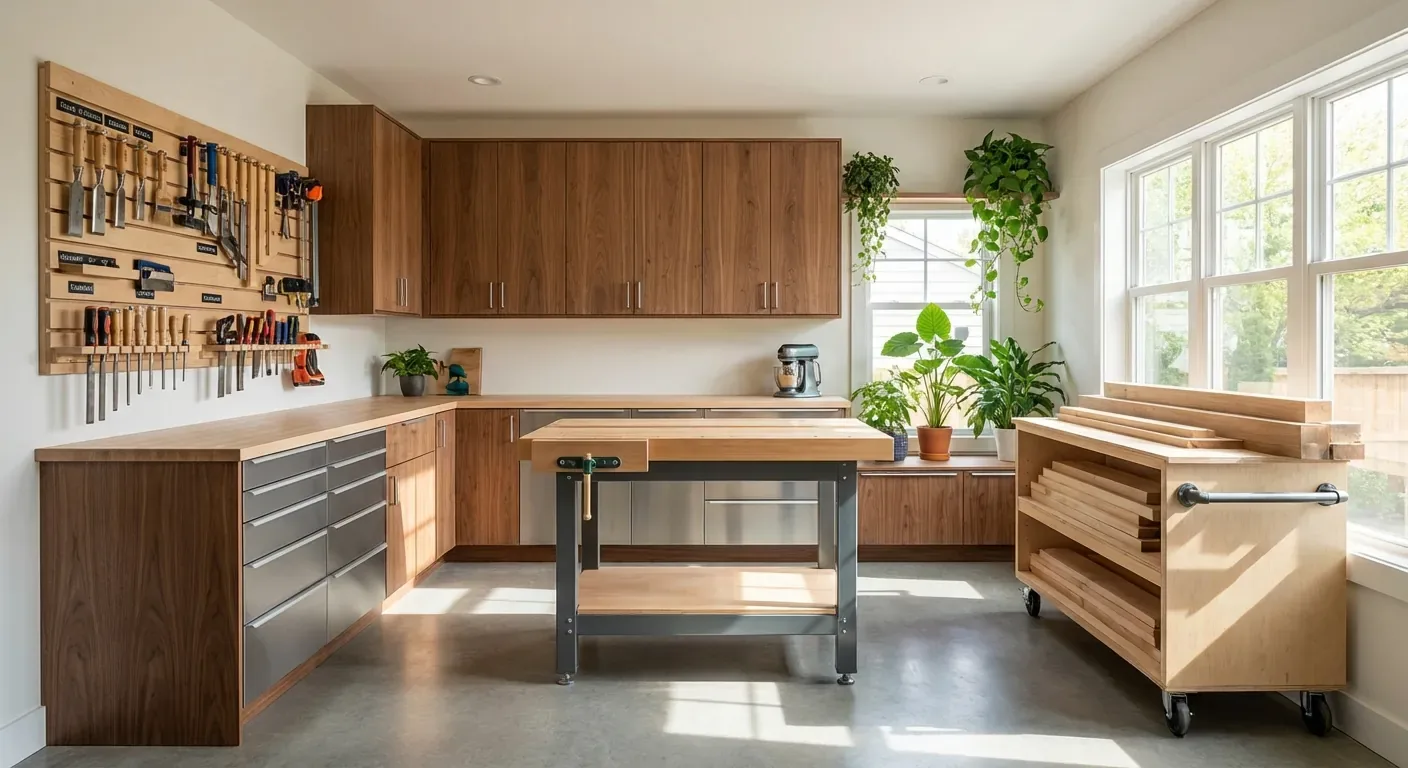
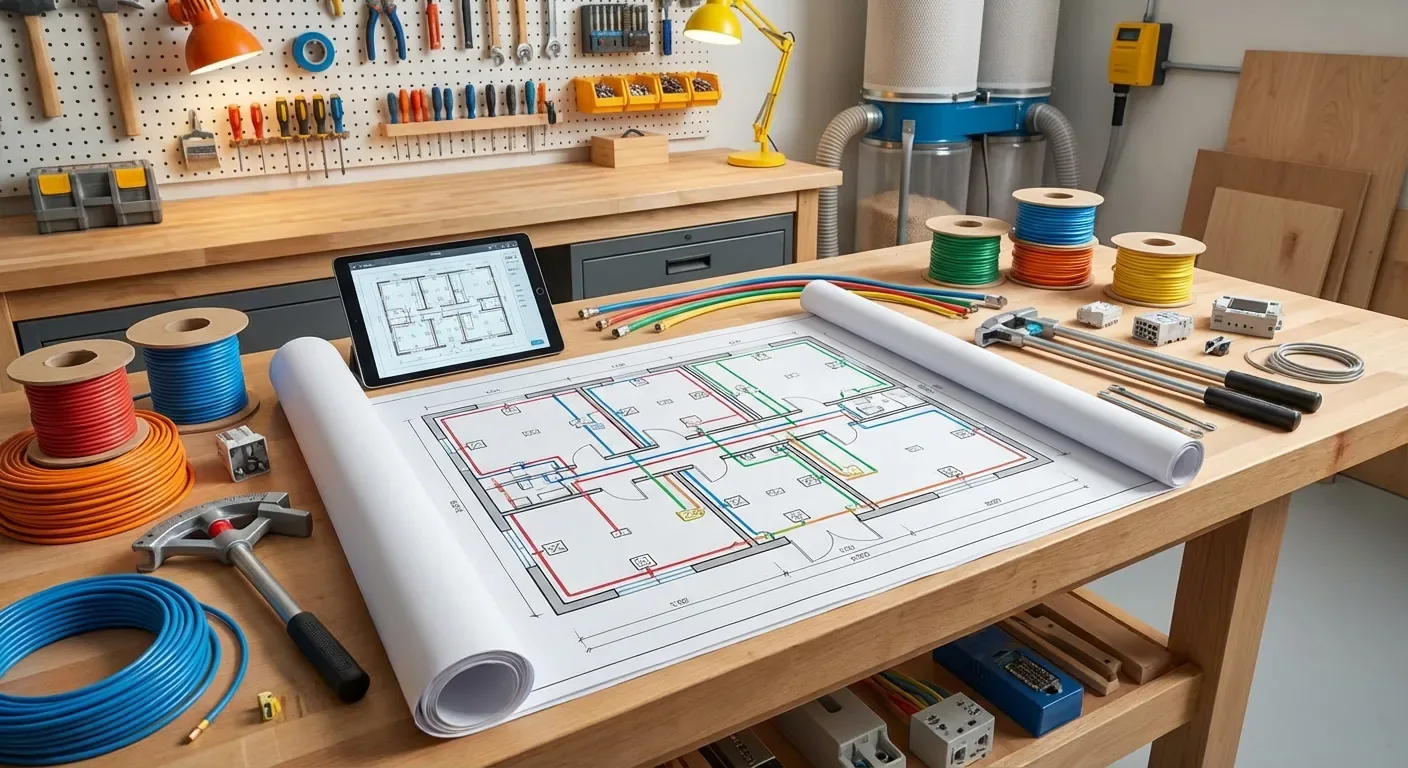
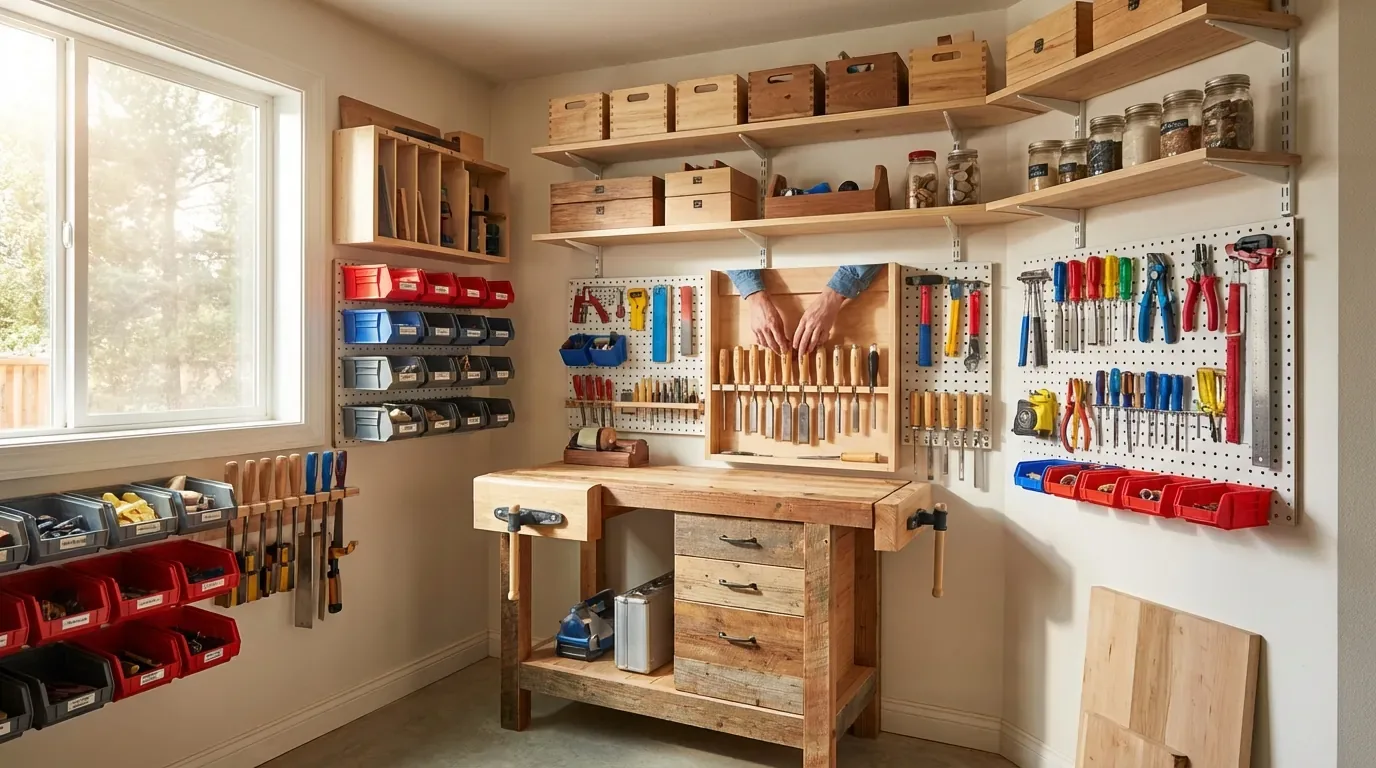
Use a simple planning grid to test workshop layouts, machine clearances, material paths, storage zones, and mobile-tool positions.

Table of Contents
- The Dream of the Frictionless Workshop
- The High Cost of a Poorly Planned Workshop
- Introducing the Workshop Layout Planning Grid
- Why Professional Layouts Matter
- Download Your Free Planning Grid Today
- Essential Tools for Your Workshop Transformation
- Frequently Asked Questions
The Dream of the Frictionless Workshop
Imagine walking into your workshop and knowing exactly where everything is, from your smallest 1/8-inch drill bit to your heaviest 12-inch thickness planer. There is a specific kind of "workshop zen" that occurs when your workflow dictates your layout, rather than your layout dictating your workflow. You pick up a piece of rough-sawn lumber, move it to the jointer, pivot to the planer, and then slide it onto the table saw without ever having to shimmy around a protruding workbench or trip over a tangled dust collection hose.
This level of efficiency isn't reserved for massive professional cabinet shops or YouTube stars with unlimited budgets. It is entirely achievable in a one-car garage or a small basement corner, provided you have a plan. The secret lies in understanding the "work triangle" of woodworking and ensuring that every stationary tool has the necessary in-feed and out-feed clearance before you ever bolt it to the floor. When your shop is organized logically, your creativity flourishes because you aren't spending half your time "playing Tetris" with your machinery just to make a single crosscut.

The High Cost of a Poorly Planned Workshop
The most expensive mistake a woodworker can make isn't a ruined piece of walnut; it’s a layout that causes physical strain or safety hazards. Many hobbyists fall into the trap of "organic growth," where they buy a new tool and simply shove it into the first available open space. Over time, this creates a cluttered obstacle course that forces you to lift heavy boards over machines or work in awkward, hunched-over positions. This physical toll adds up, leading to back pain and fatigue that eventually makes woodworking feel like a chore rather than a passion.
Beyond the physical cost, there is the "Shadow Tax" of a bad layout—the hidden time you lose every single session. If you have to move your miter saw station just to use your drill press, you are losing five to ten minutes of productive time. Multiply that by every project, and you are losing dozens of hours a year. Furthermore, a cramped shop is a dangerous shop. When you don't have enough room to safely support a long board on the table saw, the risk of kickback or losing control of the cut increases exponentially.
Finally, consider the frustration of dust management in a poorly planned space. If your layout is haphazard, your dust collection runs will be inefficient, with too many bends and long stretches that kill suction. This leads to a shop coated in fine sawdust, which is not only a nuisance to clean but also a significant respiratory health risk. Planning your layout on paper first allows you to visualize these "invisible" factors like airflow, electrical reach, and lighting shadows before they become permanent headaches in your physical space.
Introducing the Workshop Layout Planning Grid
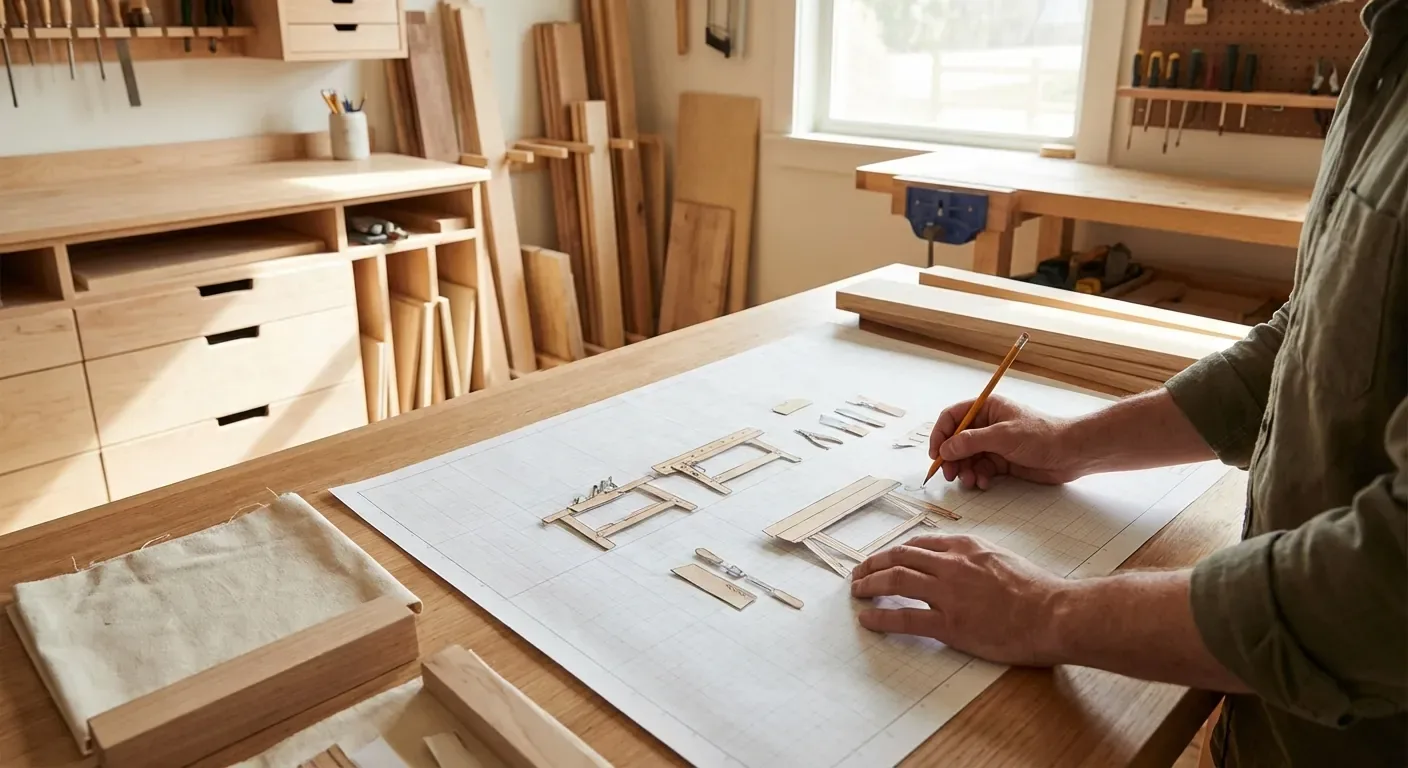
Our Workshop Layout Planning Grid is designed to take the guesswork out of shop organization by providing a physical, 1/4-inch scale representation of your actual workspace. This isn't just a piece of graph paper; it is a comprehensive system that includes pre-scaled "cutouts" for common woodworking machinery. By using these cutouts, you can experiment with dozens of different configurations in minutes, seeing exactly how a 45-degree miter saw station fits against a wall or how an assembly table can double as an out-feed surface for your table saw.
The grid system focuses heavily on "Operation Zones." For every tool, we’ve marked the required clearance for the operator and the material. For instance, a table saw might only occupy a 3x5 foot footprint, but it requires at least 8 feet of clear space both in front and behind for ripping full sheets of plywood. Our planning grid makes these "invisible footprints" visible, ensuring you don't accidentally place your jointer in a spot where you can't actually feed a long board through it.
In addition to machinery placement, the grid helps you map out your "Utility Layer." This includes the locations of your electrical outlets, overhead lights, and dust collection ports. One of the most common mistakes is placing a heavy workbench directly under a single light source, creating a shadow exactly where you need to see your layout lines. By using the grid to coordinate your lighting and tool placement simultaneously, you create a workspace that is as bright and safe as it is efficient.
Why Professional Layouts Matter
At Workshop Tips, we have spent years consulting with professional woodworkers and hobbyists alike to find the "sweet spot" of shop design. We’ve seen firsthand how a simple 90-degree rotation of a workbench can shave 20% off the assembly time of a project. This grid was born out of those experiences—distilling professional shop-flow principles into a tool that anyone can use. We believe that a well-organized shop is the foundation of high-quality craftsmanship; when you aren't fighting your environment, you can focus entirely on the wood.
Our community of users has reported incredible results using this specific grid system. One user, a retired engineer with a cramped 12x12 shed, was able to fit a full-sized cabinet saw, a bandsaw, and a workbench into his space while still maintaining a 36-inch clear walking path. Another woodworker used the grid to realize that by putting all her heavy tools on mobile bases, she could effectively double her usable square footage. These aren't just anecdotes; they are the results of applying logical spatial planning to a creative environment.
Download Your Free Planning Grid Today
Stop moving your heavy cast-iron tools by trial and error. Download our Workshop Layout Planning Grid and start designing the shop you’ve always wanted from the comfort of your kitchen table. This high-resolution PDF includes the master grid, a library of common tool footprints, and a step-by-step guide on how to measure your space accurately. It’s time to stop tripping over cords and start making sawdust in a space that actually works for you.
Join thousands of other woodworkers who have transformed their garages and basements into professional-grade studios. When you sign up, you'll also receive our "Shop Flow Secrets" email series, which covers advanced topics like ductwork optimization and vertical storage solutions. We value your privacy and will never spam you; we only send the tips and tricks you need to build a better shop.
Essential Tools for Your Workshop Transformation
While the planning grid helps you visualize the space, you need the right physical tools to execute the plan and maintain the organization. Below are three highly recommended products that help bridge the gap between a paper plan and a functional, mobile, and well-measured workshop.
View this product on Amazon ↗ The Stanley FatMax 25-Foot Tape Measure is my top recommendation for the initial "site survey" phase of your workshop planning. You cannot create an accurate grid without precise measurements of your walls, windows, and door swings. The 11-foot standout allows you to measure long walls or ceiling heights alone without the tape collapsing, which is crucial when you're working solo in the shop.
This tool is best for any woodworker who values durability and accuracy. The Mylar-coated blade stands up to the abrasive environment of a woodshop, and the heavy-duty casing can survive the inevitable drop onto a concrete floor. While some might find it a bit bulky for a tool belt, the extra width of the blade makes it much easier to read from a distance. Compared to cheaper "store brand" tapes, the FatMax has significantly less "play" in the hook, ensuring your 1/4-inch scale measurements on paper translate perfectly to the real world.
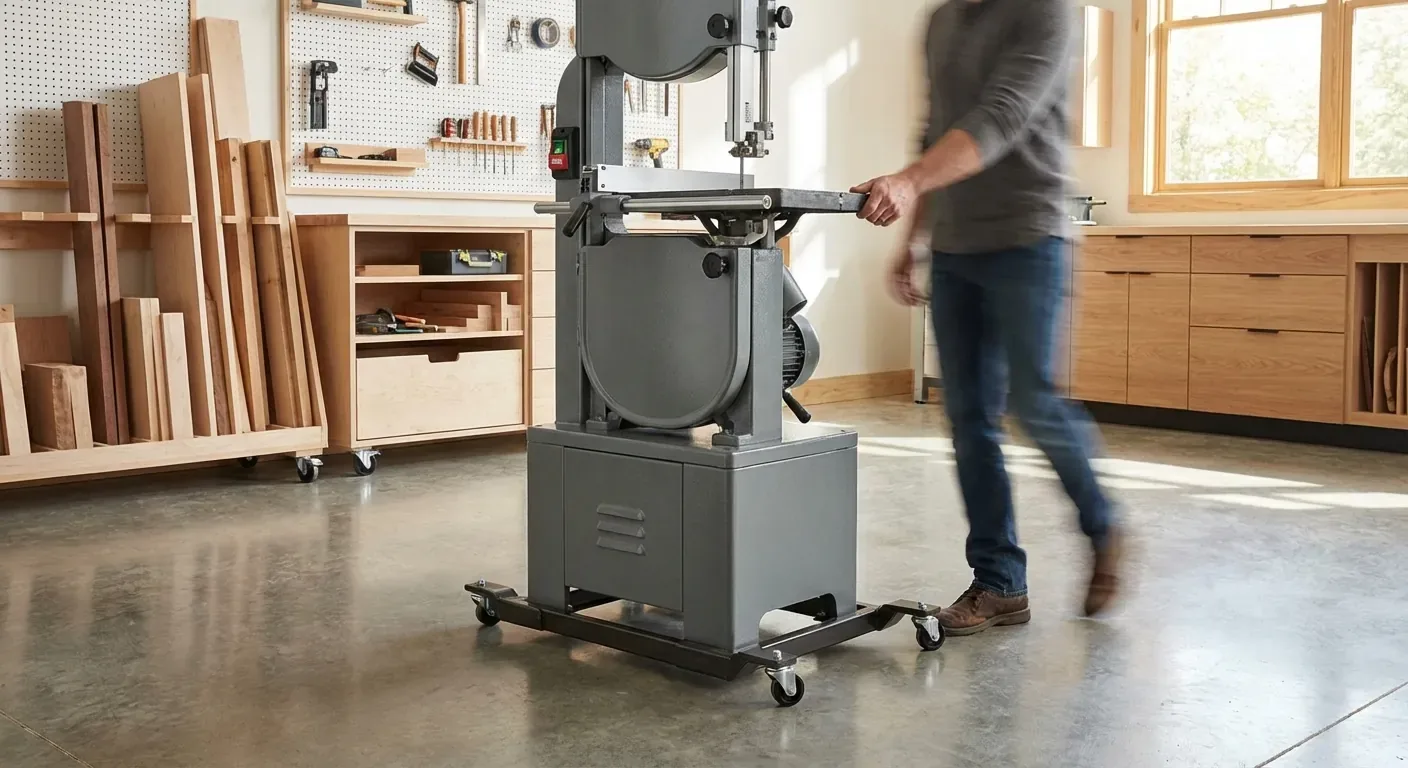
View this product on Amazon ↗ If your planning grid reveals that your space is just a bit too tight for permanent tool placement, the BORA Portamate PM-1100 Universal Mobile Base is the solution. I recommend these for every stationary tool in a small shop. It allows you to tuck your bandsaw or planer against the wall when not in use and roll it into the "active zone" in seconds.
This is best for woodworkers in garage shops who need to share space with a vehicle or laundry machines. The standout feature is the customizable nature; you use your own plywood to create whatever size base you need, meaning it fits everything from a small drill press to a large assembly table. The drawback is that you have to provide the wood and bolts yourself, but this allows for a much lower price point than pre-sized bases. It’s a far superior alternative to the "all-in-one" bases that often have flimsy wheels or fixed dimensions that don't quite fit your specific machinery.
Frequently Asked Questions
How much space do I really need around my table saw?
The physical footprint of a table saw is deceiving. While the saw itself might only be 30 inches deep, you need to account for the "In-feed" and "Out-feed" requirements. For a standard 8-foot sheet of plywood, you need at least 8 feet of clear space in front of the blade to start the cut and another 8 feet behind the blade to finish it safely. Our planning grid accounts for these "active zones" by providing suggested clearance markers for each tool type, ensuring you don't accidentally block your saw with a permanent wall or a heavy workbench.
If you are tight on space, consider an out-feed table that doubles as your primary assembly bench. This "multi-function" approach is the hallmark of a well-planned small shop. By aligning the heights of your various surfaces (jointer, planer, and workbench) to match your table saw height, you can use those other tools as secondary support for long workpieces, effectively "cheating" your space requirements without sacrificing safety.
Should I put all my tools on mobile bases?
In a small to medium-sized workshop, the answer is almost always yes. Mobile bases provide the flexibility to reconfigure your shop for specific projects. For example, if you are building a long dining table, you might need to move your assembly table to the center of the room. If you are doing a weekend of heavy milling, you might want to line up your jointer and planer in a "production line." Without mobile bases, you are locked into a single layout that might not be optimal for every task.
However, the drawback to mobile bases is a slight loss of stability compared to a tool bolted directly to the floor. For high-vibration tools like a wood lathe or a heavy-duty jointer, you want to invest in high-quality locking bases (like the BORA Portamate mentioned above) that feature rubber leveling feet. These feet lift the wheels off the ground when the tool is in use, providing a solid, non-skid foundation that mimics a permanent installation while still allowing for easy movement when the job is done.
How do I plan for dust collection in my layout?
Dust collection should be planned simultaneously with tool placement, not as an afterthought. Every bend in a dust hose (especially 90-degree elbows) significantly reduces the "CFM" (Cubic Feet per Minute) or suction power of your vacuum system. When using the planning grid, try to group your "high-dust" tools—like the planer, jointer, and table saw—near the dust collector itself. This minimizes the length of the pipe runs and keeps the suction at its peak.
Additionally, consider the "trip hazard" factor. If you run flexible hoses across the floor to reach a tool in the middle of the room, you are creating a safety risk. A well-planned layout will either utilize overhead drops for dust collection or run the pipes along the walls with tools positioned nearby. If you must have a tool in the center of the room, the grid helps you decide if it's worth the investment to run permanent ducting under the floor or through the ceiling joists.
Explore the recommendations.
Check Amazon for current product details, available options, and pricing.
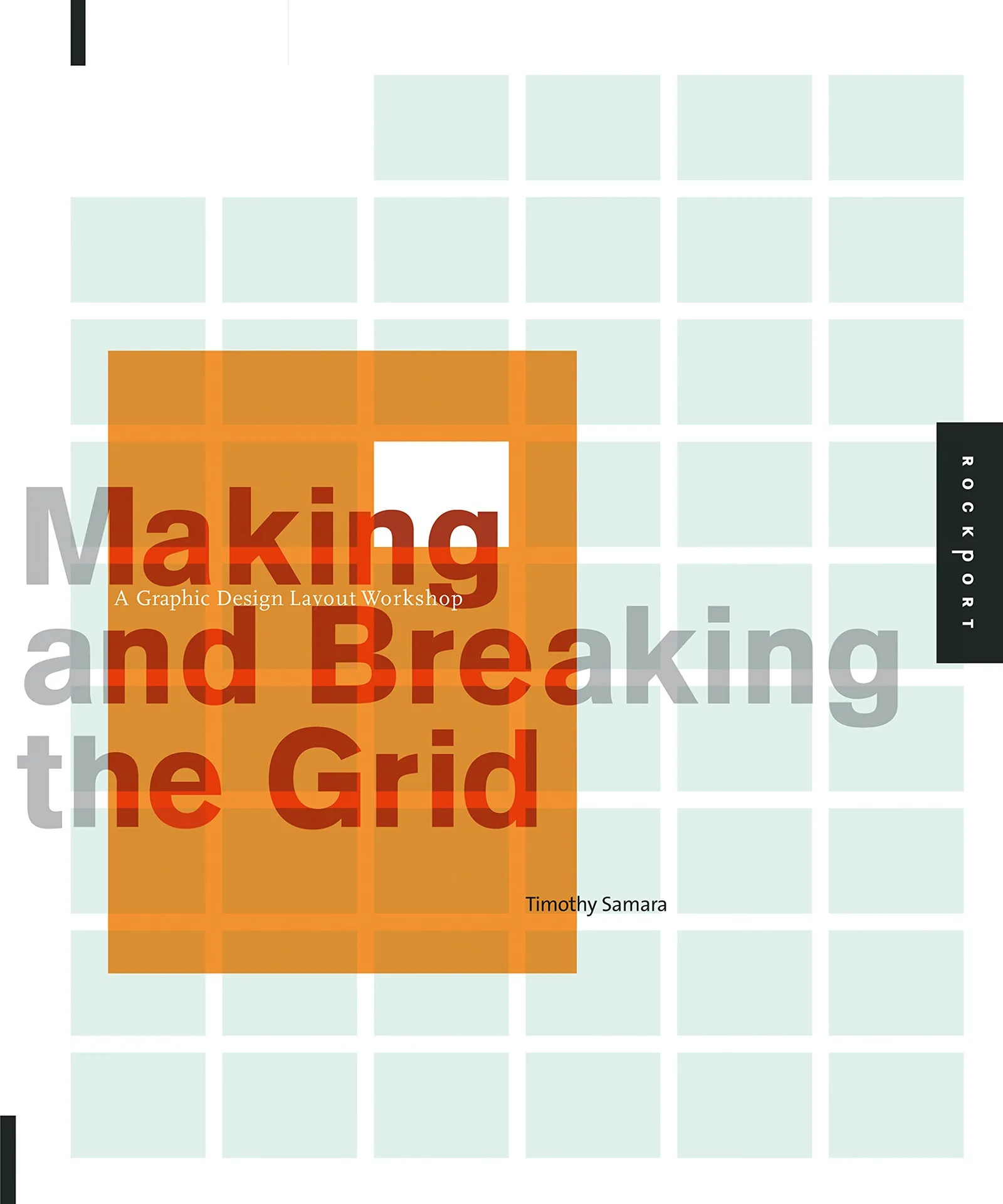
Making and Breaking the Grid: A Graphic Design Layout Workshop
Product details
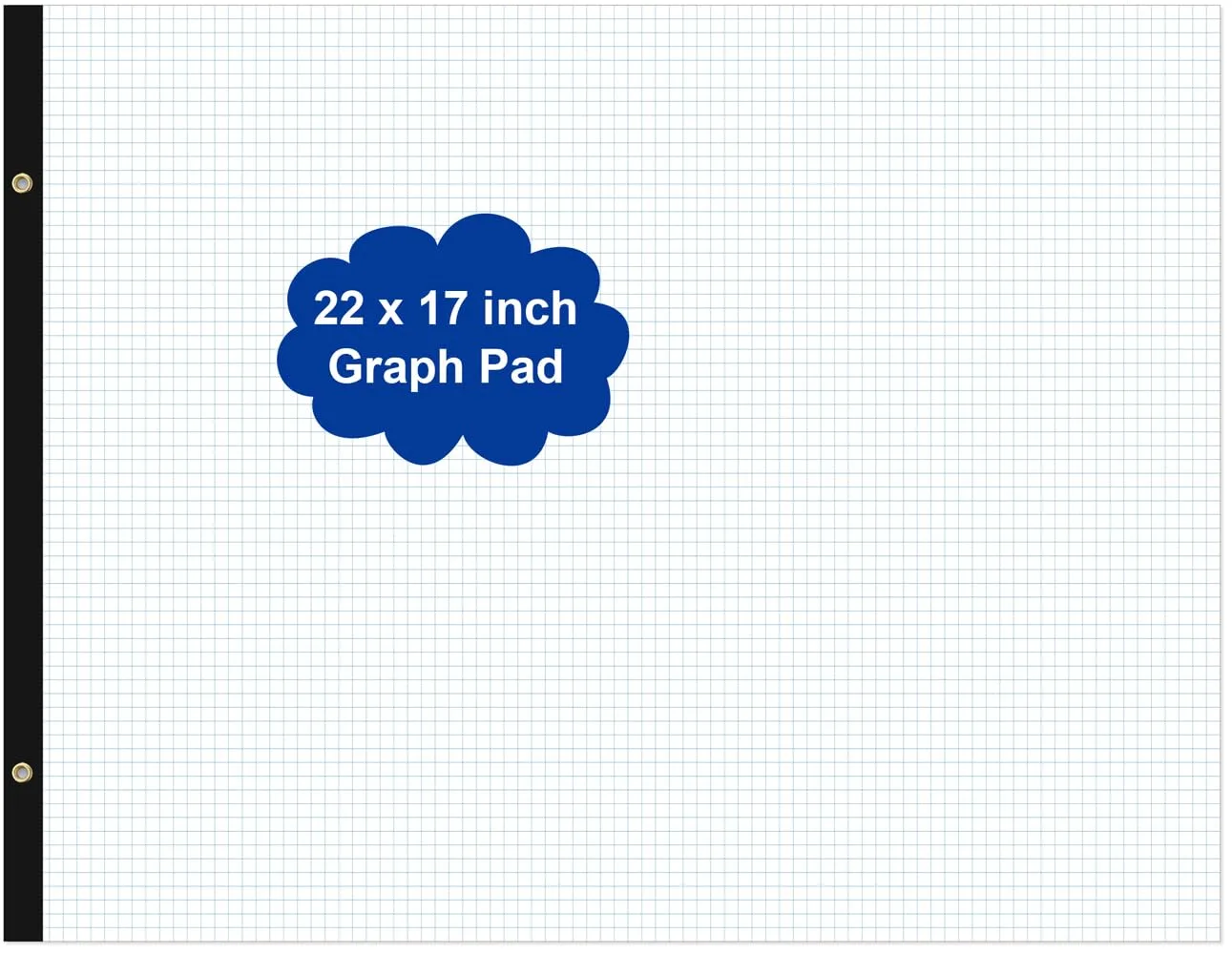
Large Engineering Graph Paper - 22" x 17" Grid Paper, 50 Sheets/100 Pages, 4"x4" Grid Pad, Giant Drafting Pad Sketching Graph Paper for Engineer Architect Designer Mathematician Draftsman 1-Pack
Product details
GRAPH PAPER - Large graph desk pad with 4"x4" blue quad rule, it is easily meet your daily drafting usage and replacement. LARGE SIZE - This graph paper pad size of 22" x 17", is great for draftsmen, architects, designers, civil engineers, structural engineers, mathematician and for students as well as other professionals. Improve your productivity with this daily organizer. HIGH QUALITY - Grid paper pad is used to high quality 100gsm pure white premium acid-free paper, so you can confidently use most pens, pencils, and markers without ghosting and bleed-through. sheets are perforated for easy and neat sheet removal, And sturdy strong 1200 GSM backer to protect desktops.Triangle bound corners protect graph paper. VERSATILE - Use for engineering or technical drawings, drafting, drawing blueprints, crafting, or creative drawings. Standard 4 x 4 graph-ruled paper is a staple for elementary math, geometry, calculus, trigonometry, physics, and the arts. THE PERFECT GIFT - This graph desk pad are made up of great quality paper. Give it to your friends, family as a gift.
- GRAPH PAPER - Large graph desk pad with 4"x4" blue quad rule, it is easily meet your daily drafting usage and replacement.
- LARGE SIZE - This graph paper pad size of 22" x 17", is great for draftsmen, architects, designers, civil engineers, structural engineers, mathematician and for students as well as other professionals. Improve your productivity with this daily organizer.
- HIGH QUALITY - Grid paper pad is used to high quality 100gsm pure white premium acid-free paper, so you can confidently use most pens, pencils, and markers without ghosting and bleed-through. sheets are perforated for easy and neat sheet removal, And sturdy strong 1200 GSM backer to protect desktops.Triangle bound corners protect graph paper.
- VERSATILE - Use for engineering or technical drawings, drafting, drawing blueprints, crafting, or creative drawings. Standard 4 x 4 graph-ruled paper is a staple for elementary math, geometry, calculus, trigonometry, physics, and the arts.
- THE PERFECT GIFT - This graph desk pad are made up of great quality paper. Give it to your friends, family as a gift.